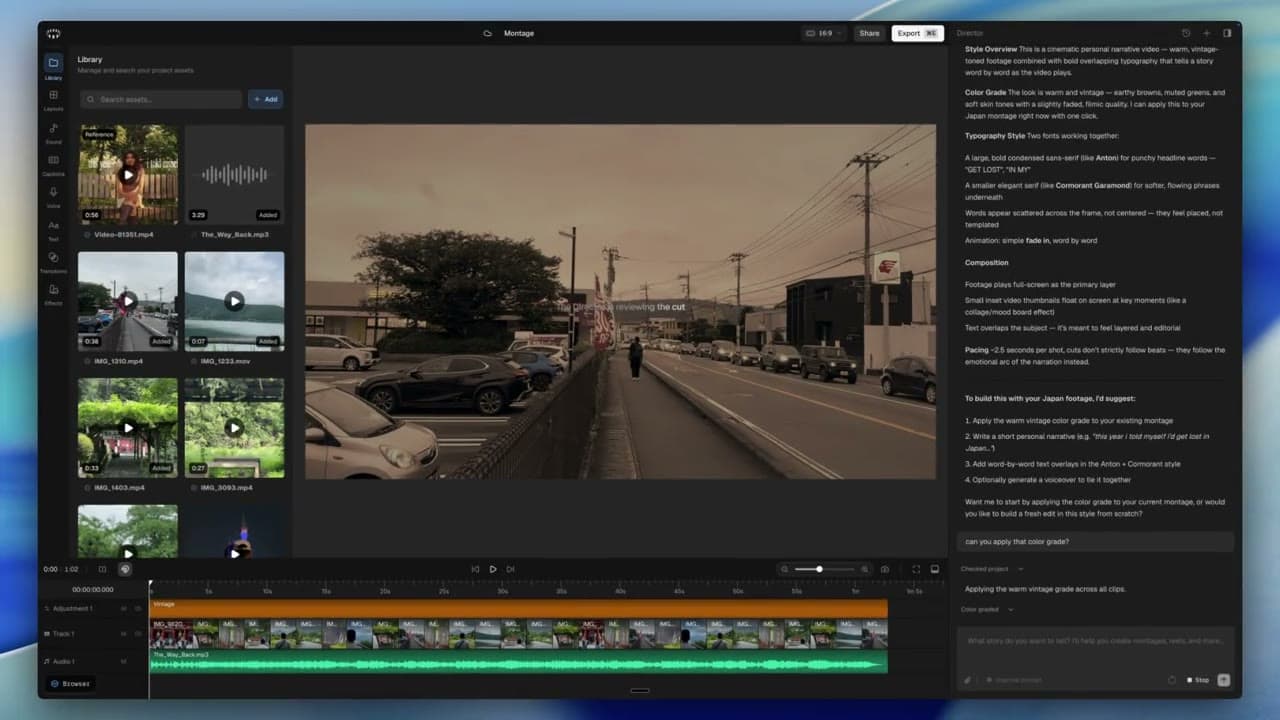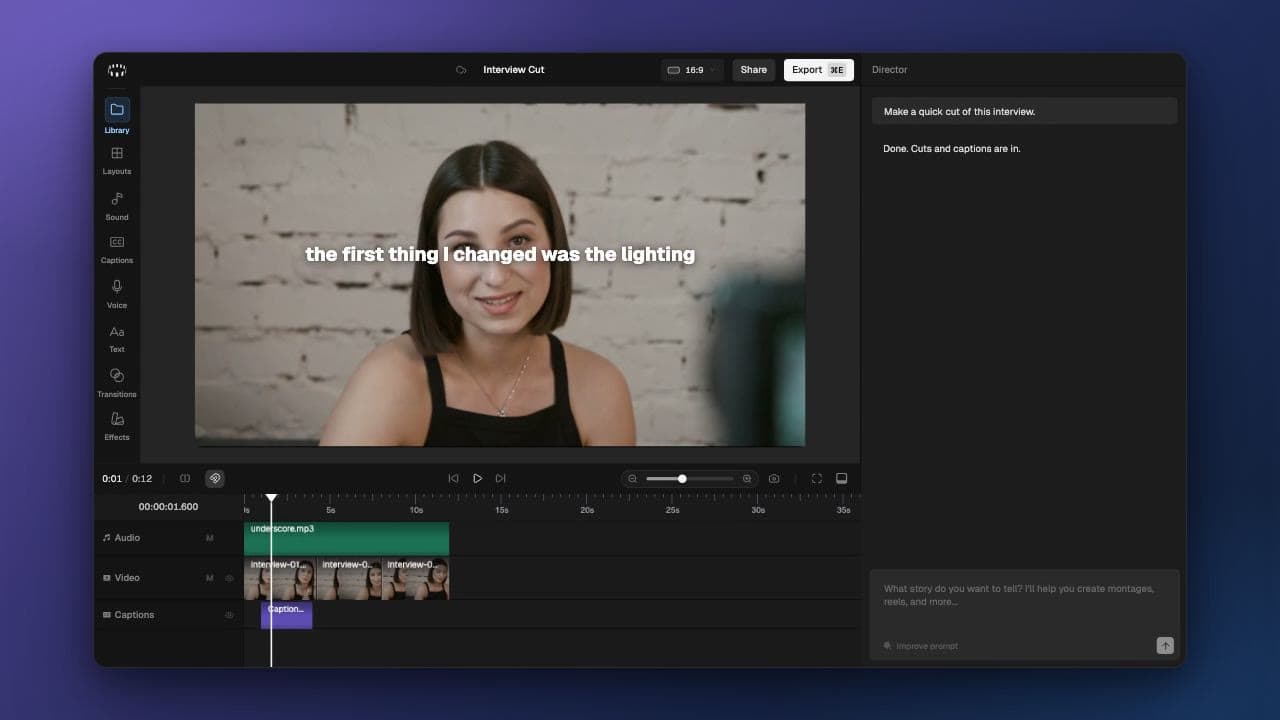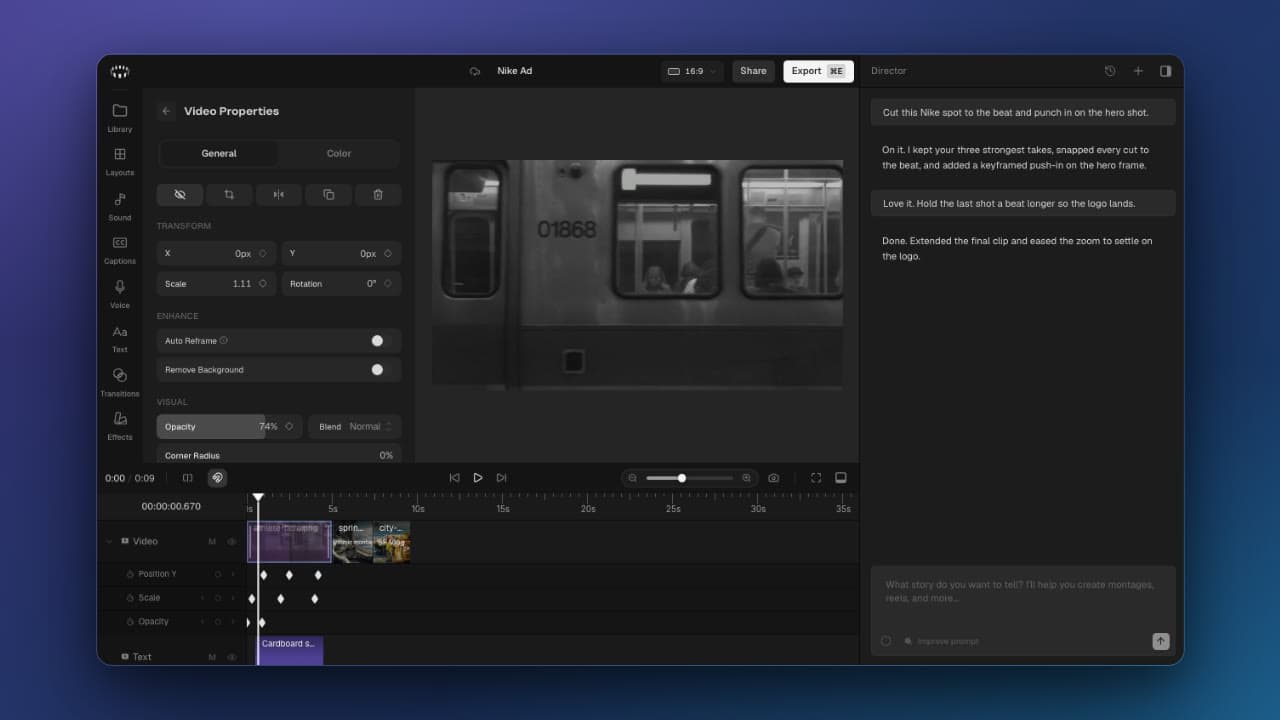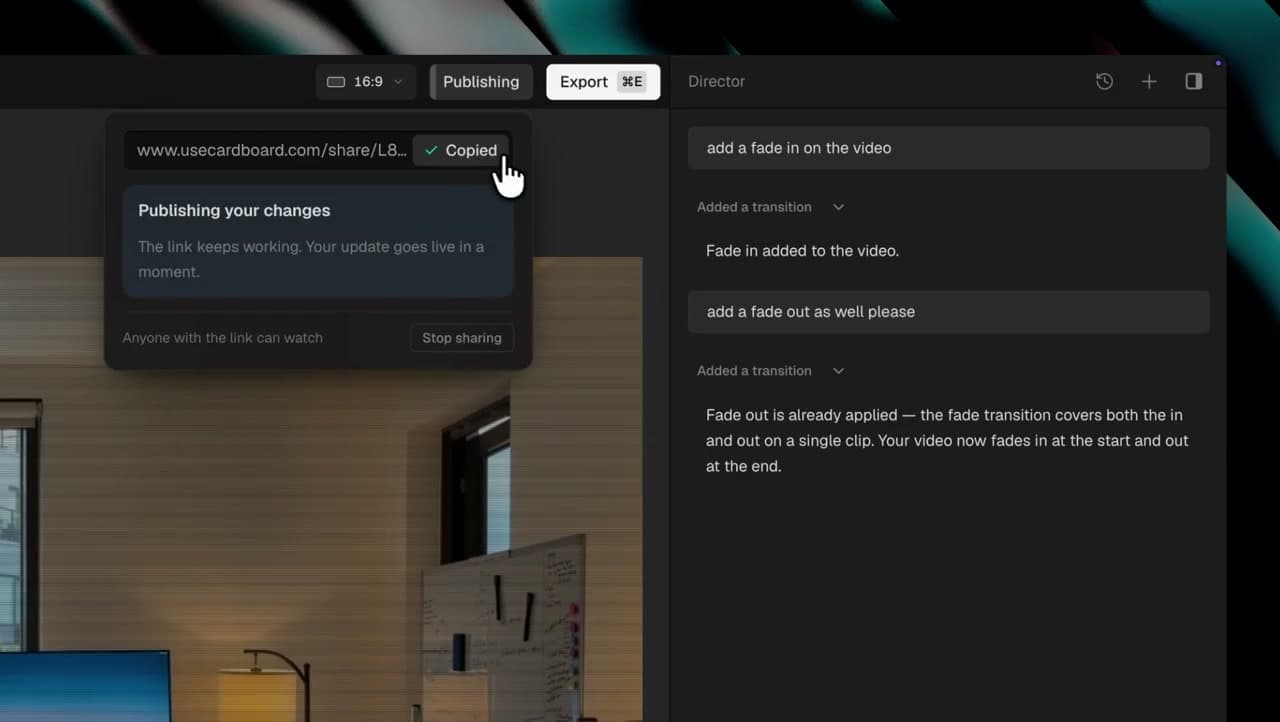
-Voice Library: Browse hundreds of voices, filter by gender, age, accent, and language.
-Voice Cloning: Clone any voice by uploading or recording a sample.
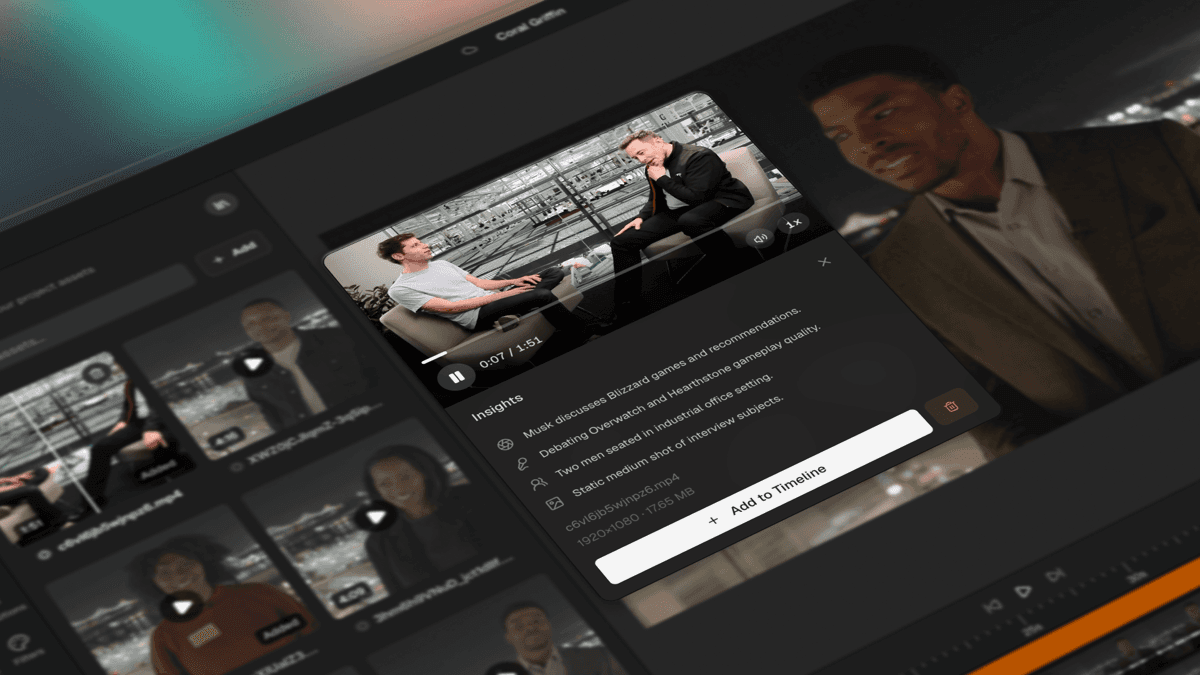
-Search: Find media by writing vague sentences, not just words or filenames.
-Inline Suggestions: The agent now offers clickable suggestions during conversations.
-Ripple Delete: Delete clips and automatically close the gaps left behind.
-Voice Cleanup: Automatically remove filler words and pauses from voice overs.
-Transcription Languages: Support for 10+ languages with auto-detection.
Improvements
-Track Management: Mute, lock, and manage gaps directly from track menus.
-Keyframe Transforms: Adjust position, scale, and rotation with keyframes on canvas.
-AI Text Styling: The agent can now style captions and text elements.
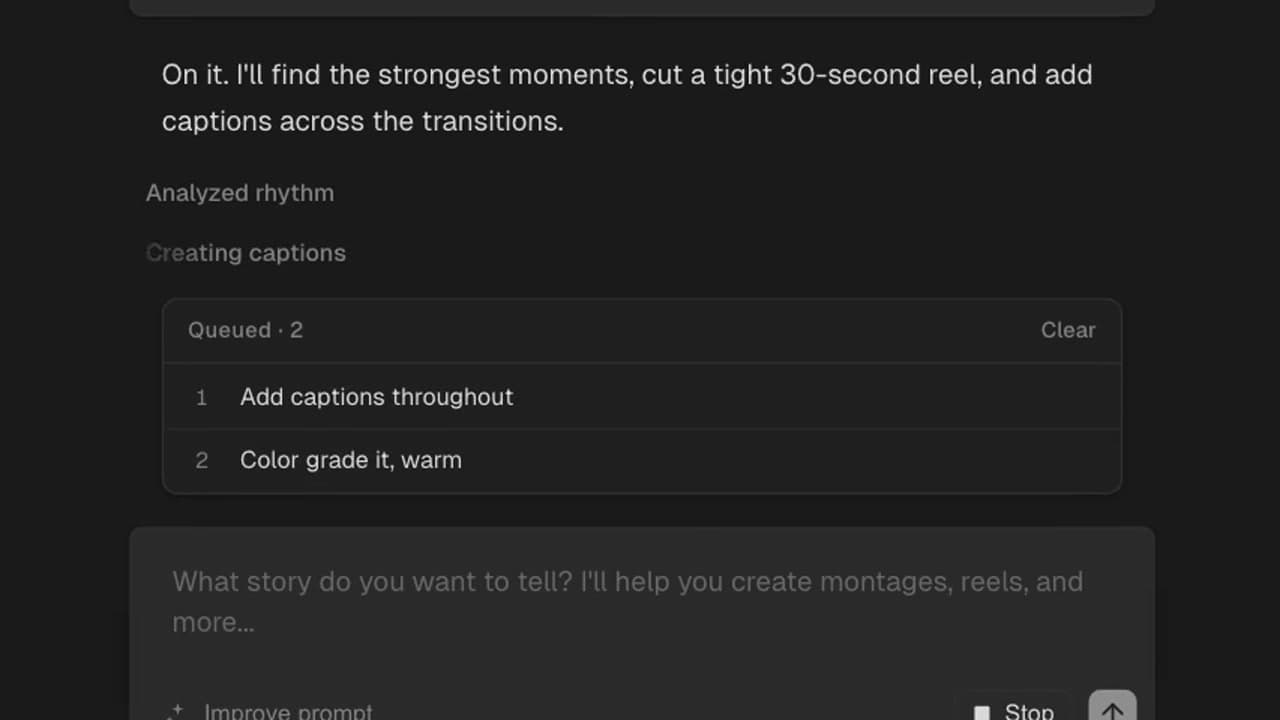
-Prompt Suggestions: Quick-start prompts appear when the chat is empty.
-HDR Video Support: Import and work with HDR footage.
-Browser Compatibility: Improved browser support for Chrome, Firefox, and Safari.
-Unsaved Changes Warning: A warning appears when leaving the project without saving.
0.0.7
Voiceover, Spatial Awareness, Canvas Navigation, and Sample Projects
Major Features
-Voiceover Generation: Create professional voiceovers with different voices.
-Token Usage Indicator: See AI token consumption in chat input for cost transparency.
-Preview Controls: Pan, zoom, align, and rotate with guides and snapping.
-Sample Projects: Get started fast with new explainer and montage templates, ready to use.
-Spatial Intelligence: The agent now understands what's happening inside your frame and places captions and
overlays where they won't block the subject.
Improvements
-Waveform Virtualization: Faster, more efficient handling of long audio tracks.
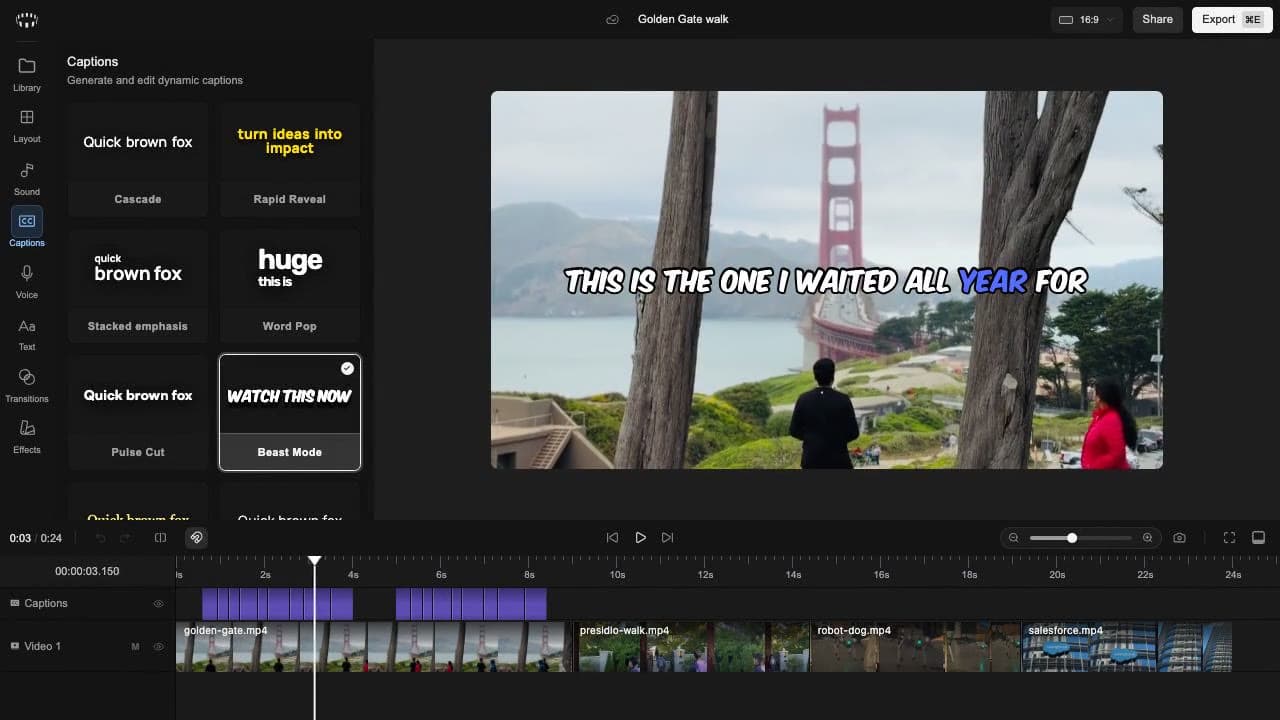
-Caption Presets: Style captions with new golden-serif and minimal-modern preset options.
-Timeline Zoom: Zoom now anchors around the playhead position for better navigation.
-Volume System: Simplified volume control from decibels to intuitive percentage (0-200%).
-Multi-Item Operations: Improved drag and move behavior.
-Timeline UI: Hide trim handles and clip names for narrow timeline items to reduce clutter.
0.0.6
Keyframe Animations, Playback Speed, Background Styling, and Remote Projects
Major Features
-Keyframe Animations: Animate timeline items with keyframe-based animations.
-Playback Speed: Create slow-motion or time-lapse effects.
-Backgrounds: Add background (gradient, color, and macOS wallpapers) to your video.
-Settings Tab: New settings panel for configuring application preferences and options.
-Remote Project Management: Cloud-based project storage and media uploads for collaboration and backup.
Improvements
-Audio Volume Control: Manage audio levels and mute functionality.
-Director Agent: Redesigned AI agent with improved tool execution and workflows.
-Text Drag-and-Drop: Drag text directly onto the canvas and timeline.
-Import Hotkey: Import media files with a hotkey.
-Performance Optimizations: Canvas pooling and shadow/blur caching.
-Export Performance: Faster, more reliable exports.
-Audio/Video Separation: Separate audio from video items on the timeline.
-Memory Management: Fixed memory leaks and improved compositor pooling.
-Text Reconstruction: Improved text media item reconstruction.
-Aspect Ratio Handling: Consistent aspect ratio calculations and proper content fitting.
0.0.5
AI Vision, Music Library, Crop, Text, and Background Exports
Major Features
-AI-Powered Video Understanding: Director can see your content better. Get intelligent suggestions based on what's actually in your footage — scenes, actions, text, and more.
-Music Library: Browse and add royalty-free tracks by genre and mood to your timeline.
-Crop Tool: Precisely crop videos and images directly on canvas.
-LUT Preview on Hover: Instantly preview color grades before applying.
-Captions from Director: Ask the AI to generate and place captions automatically on your timeline.
Improvements
-Background Exports: Exports now continue at full speed even when the browser tab is in the background.
-Smarter Ingestion: Revamped media processing with progress tracking, audio chimes on completion, and parallel transcription.
-Waitlist Flow: New users hit a waitlist with a clean sign-up experience.
-Text Properties: Added letter spacing, line height, and other style options.
-Audio Prefetch: Music tracks preload on hover for instant playback.
-Track Management: Rename, Move and delete tracks.
-Video Source Cleanup: Renderer now prunes stale video sources for improved memory management.
0.0.2
Hardware-Accelerated Renderer, Enhanced Timeline, and Chat Improvements.
Major Features
-Timeline & Layers: Improved scrubbing, snapping, and clip accuracy, with a new multi-layer system. Added visual guidelines and per-clip audio waveforms for easier alignment.
-Hardware-accelerated renderer: Added a custom WebGL2 + WebCodecs pipeline that shifts video processing from the CPU to the GPU, enabling smoother playback, more accurate previews, faster layer compositing, and higher-quality exports.
-Video Understanding: Faster, more accurate analysis in the browser.
-Chat: Added support for having multiple tabs and clear history.
-Properties Panel: New properties sidebar for fine-grained clip control. Adjust position, scale, rotation, opacity, blend mode, and audio levels for each item directly on the timeline.
Improvements
-Preview: Enhanced playback smoothness; HEIC file uploads are now prevented.
-Auth: Optimized redirects for users logging in via app.cardboard.sh.
-Waveforms: Audio waveforms now generate faster and display with higher fidelity.
-Portrait video: Strengthened support for the 9:16 format and dynamic aspect ratio toggling.
0.0.1
Initial release
Major Features
-Media management: Import images, music, and videos. Manage your videos inside projects. Use semantic search to find clips quickly.
-Timeline editing: Drag-and-drop video clips on the timeline, with multi-track support, clip splitting, scrubbing, and zoom controls for detailed and efficient edits.
-Real-time preview: Instantly see your edits as you work. You can pick standard aspect ratios like 16:9, 9:16, or 1:1.
-Exports and aspect ratios: Export projects in various formats, including XML.
-Workspace customization & shortcuts: Adjust the workspace with resizable panels and use keyboard shortcuts for faster editing.
-AI chat editing: Use chat commands for quick video edits.